
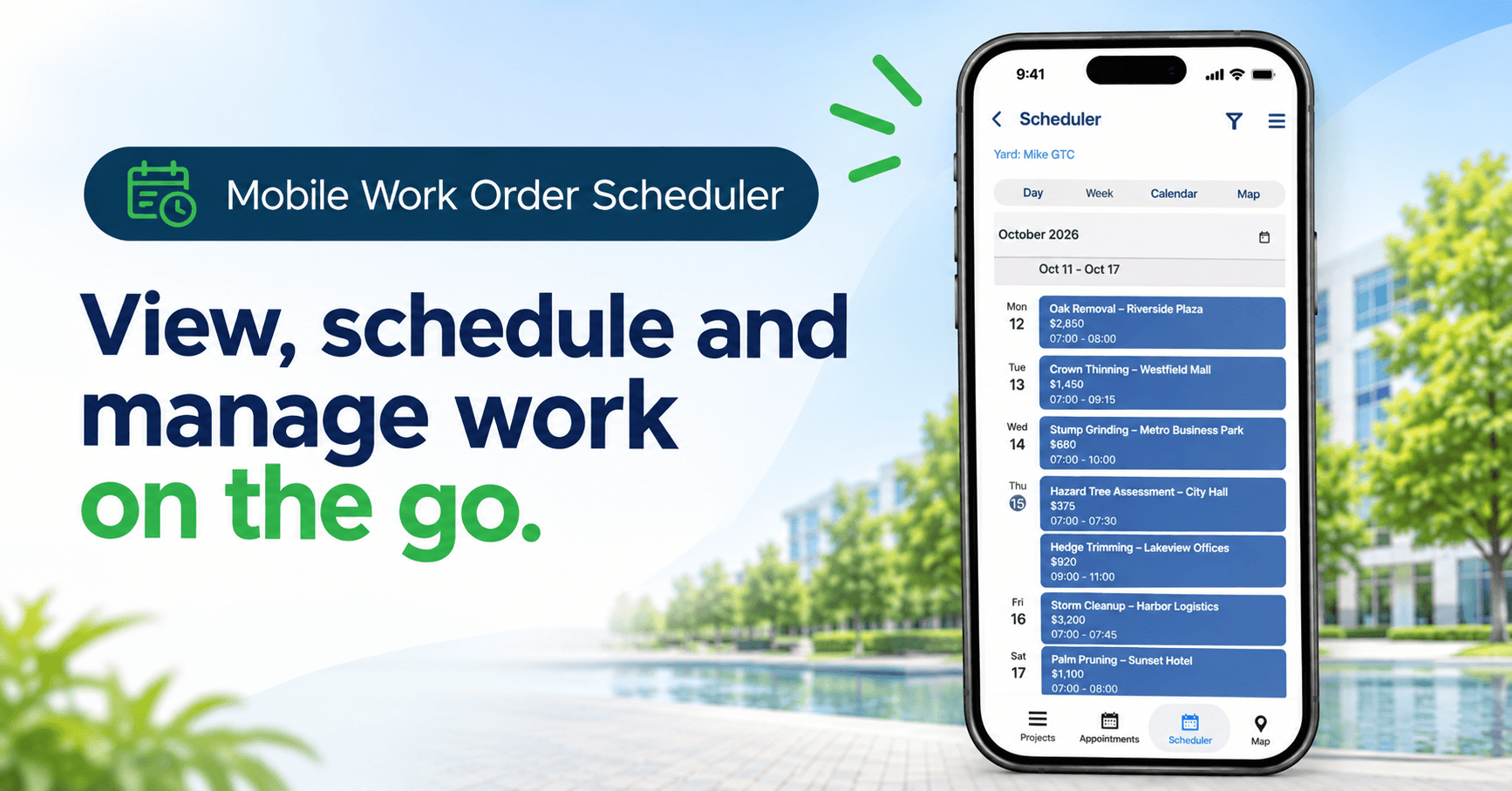
Schedule work orders from your phone
When a proposal is approved, now with the new Mobile Work Order Scheduler in the ArborNote app, branch managers and field staff can turn an approved proposal into a scheduled work order, assign the right crew and equipment, and send the paperwork from wherever they are. That could be a job site, the truck, or anywhere.
Approved work, scheduled sooner
Until now, scheduling meant dragging work orders onto the desktop calendar. That works well in the office. We listened to customer feedback and feature requests to be able to do it then and there, in the field.. The Mobile Work Order Scheduler puts the full schedule in your pocket.
What it means for your business
- Faster speed-to-schedule. Create a work order straight from an approved proposal, without waiting to get back to the office.
- See the whole picture. Switch between Day, Week, Calendar and Map views to see what’s booked and where your crews will be.
- Smarter crew planning. Switch between yards and assign available crews and equipment as you schedule, so the right resources go to the right job.
- Crews see it right away. New work orders appear for assigned crews in ArborNote Works, which keeps the office, the field and the crew in sync.
- Find anything in seconds. Search scheduled work and approved proposals by project, work order or address, then open the details and linked proposal.
- Professional paperwork on the go. Export work order PDFs with exactly the details you want, such as address, location, man hours and photos. Then share them by text or email, or save them right from your phone.
Built for the people closest to the work
The Mobile Work Order Scheduler is made for branch managers, sales arborists and operations leads who spend more time in the field than at a desk. It works alongside the desktop scheduler you already use, so your office team keeps the same workflow and your field team gets the same power on the go. It’s available now in the ArborNote app for both iOS and Android. Just tap Scheduler in the bottom navigation.
Get started
Update your ArborNote app today to start scheduling from the field. Learn more about it in the article in ArborNote helpdesk.