
See nearby work. Fill open crew time.
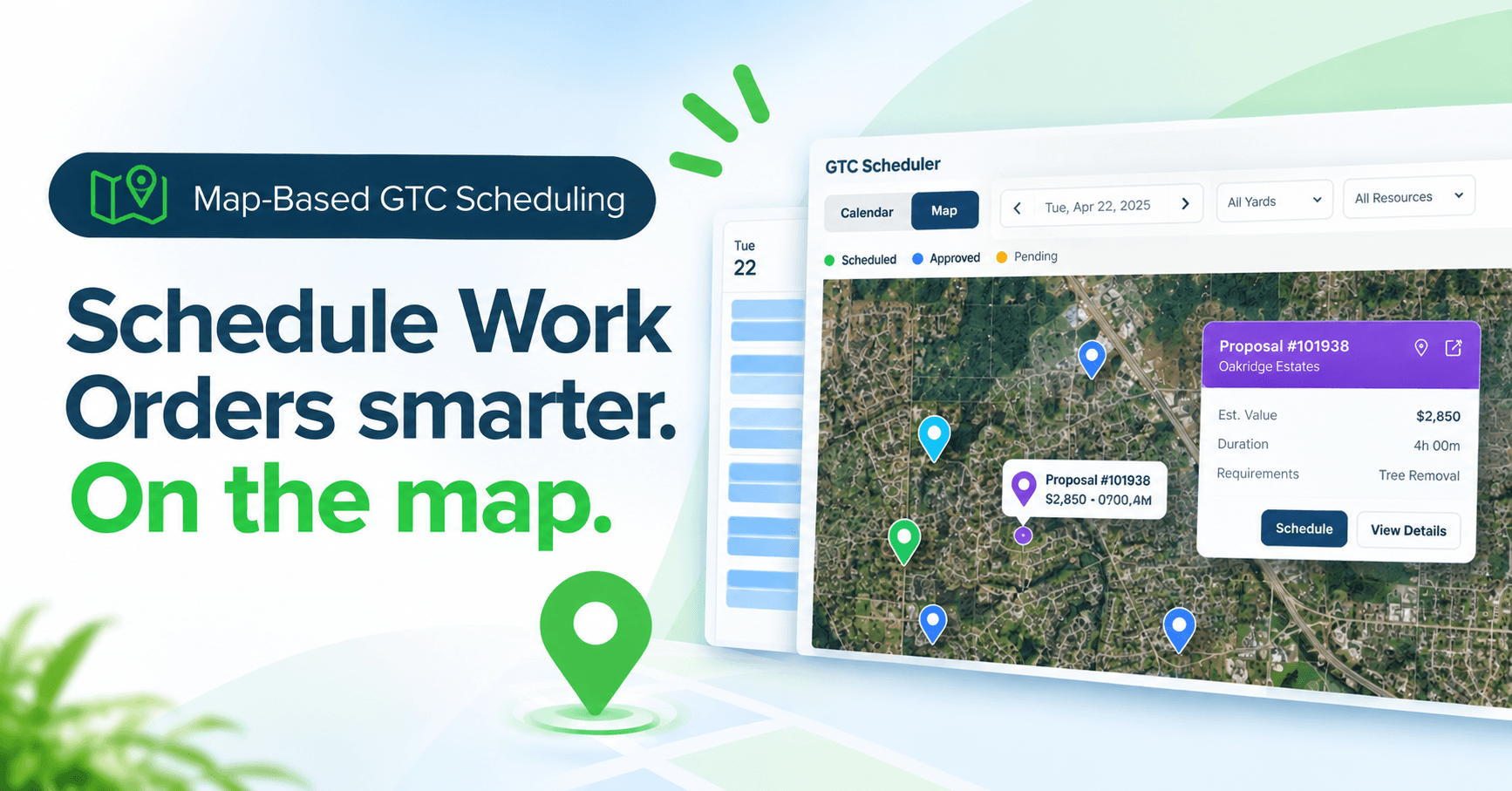
The GTC Work Order Scheduler now has a Map tab. Schedulers can see booked jobs and approved proposals on one map, find work that’s close by, and schedule it without leaving the scheduler.
Fill the day around booked jobs
Filling a crew’s day means balancing travel distance, job length, requirements and equipment. The Work Order Calendar showed when crews were busy, but not where they would be. The Map tab adds that view. When a customer-booked job leaves a crew with hours to spare, or an urgent callback needs a nearby crew, you can see which approved work is close by and put it on the schedule in a few clicks.
Many job times are set with the customer, so the Map tab doesn’t rearrange your routes. It helps you find work that fits around them.
What’s new
- Calendar and Map tabs. Switch views anytime. Scheduling on the Calendar works the same as before.
- Scheduled jobs in yard colors. Scheduled work orders show as pins in their yard’s color. Filter by day, yard and resource.
- Approved proposals in blue. Approved proposals waiting to be scheduled show as blue pins, so open opportunities stand out.
- A searchable proposal list. Open the Approved Proposals sidebar to search by proposal number, name, client, city or ZIP, and sort by oldest or newest approval.
- Filters that fit the crew’s day. Narrow proposals by estimated job time, price, resources, proposal requirements and requirements status.
- Schedule from the map. Pick a crew, date and start time. The start time defaults to the end of the crew’s last job that day, and you can adjust it.
Three ways to start
From a booked job. Select a job on the Calendar, then switch to the Map tab. The job is highlighted so you can see the approved proposals around it. This is the quickest way to fill a crew’s open time.
From the map. Pick a day, yard and resources to see where crews are working and where there’s room for more.
From the backlog. Work through approved proposals in the sidebar, oldest first, and schedule the ones that fit.
Get started
Map-based scheduling is available now in ArborNote on desktop and web. Go to Work Orders › GTC Scheduler and click the Map tab.
For step-by-step instructions, read Map-Based GTC Work Order Scheduling in the ArborNote Help Center.